
Download LanTool – Local Network Management, Remote Computer Control, File Transfer, Volume Control
Overview
LanTool is a dedicated utility designed for managing local networks and enabling remote control over connected computers. Its primary purpose is to streamline network administration tasks, particularly for IT professionals and system managers overseeing multiple devices within a shared environment. By offering tools for remote system operations, file transfer, and real-time network monitoring, LanTool addresses common challenges such as system downtime, inefficient file sharing, and uncontrolled audio output in shared spaces. The app is especially useful in office settings, educational institutions, or any environment where centralized control over multiple machines is required.
Target users include network administrators, tech support staff, and users managing home or small business networks. The application operates without requiring physical access to machines, making it ideal for troubleshooting, maintenance, and routine operations. Its free availability further enhances its accessibility and appeal. Although the developer did not provide additional background information, the app has been in use since its release on January 22, 2007, indicating long-term stability and continuous relevance in the network management space.
Real-world applications include remotely restarting a frozen workstation, transferring critical files between computers without external storage, and adjusting audio levels in shared workspaces. These capabilities contribute to improved operational efficiency and reduced downtime. In the broader app ecosystem, LanTool fills a niche for lightweight, specialized tools focused on internal network functionality, offering a streamlined alternative to more complex enterprise solutions.
Key Features & Functionality
- Remote System Controls: Users can remotely power off, restart, or wake up computers on the same network. This is particularly useful for managing unattended machines or enforcing scheduled maintenance without physical presence.
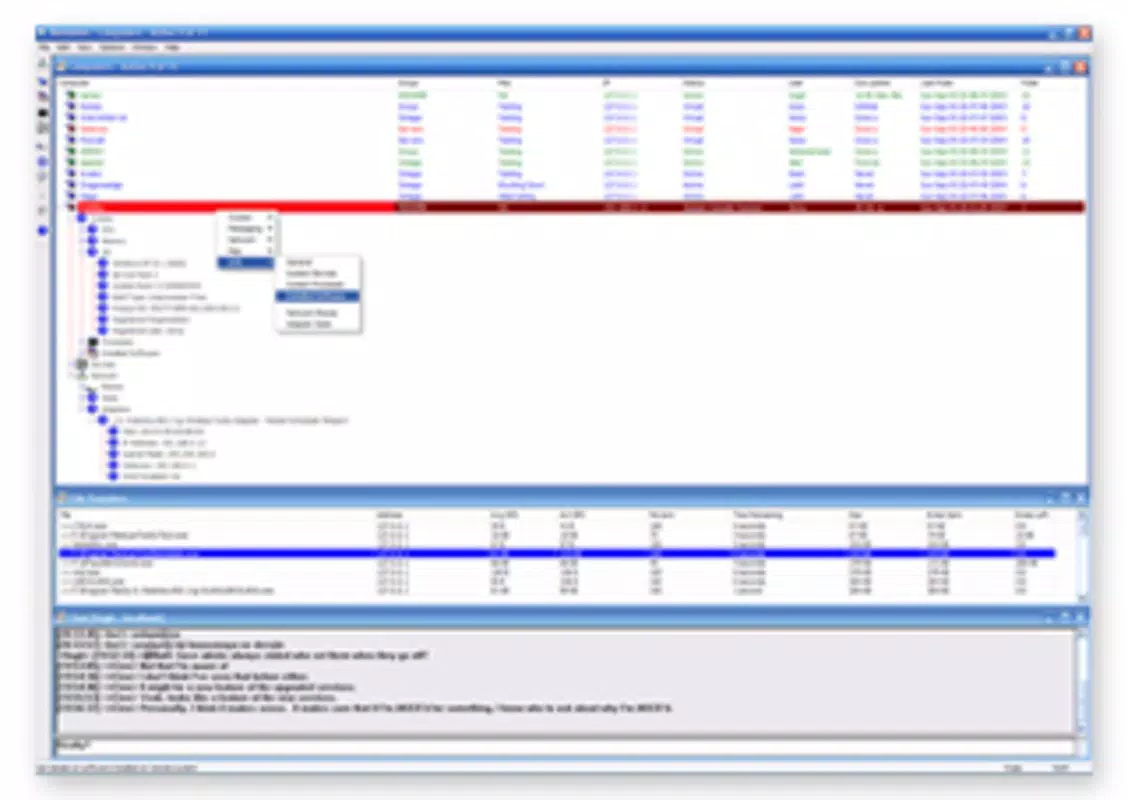
- Comprehensive Computer Menu: The main interface displays all discoverable devices within the network. Right-clicking on any machine reveals a context menu with operational commands, enabling quick access to system functions.
- File Transfer Capability: Direct file sharing between computers is supported, allowing users to send documents, software updates, or configuration files without relying on USB drives or third-party tools.
- Network Status Monitoring: LanTool continuously tracks the connection status of all devices, helping administrators detect and respond to connectivity issues promptly.
- Volume Control Management: The app allows remote adjustment of audio volume on other machines, which is beneficial in office environments where noise levels need to be regulated.
For example, an IT technician can restart a malfunctioning machine from another workstation, transfer a critical update to a colleague’s PC, and mute a noisy device during a meeting—all within a single interface. These features collectively reduce dependency on physical access and external software, enhancing both speed and convenience in daily network operations.
Interface, UX & Performance
LanTool features a clean, minimalistic interface designed for functional clarity rather than visual flair. The layout centers around a device list, with each connected computer displayed in a straightforward format. Navigation is intuitive, relying on right-click context menus to access system commands, which reduces clutter and maintains focus on core tasks.
Users can expect a responsive experience when interacting with the app, particularly on devices with stable network connections. The interface remains stable during routine operations such as file transfers and system commands. Although the developer did not list formal performance metrics, the app’s long-standing presence suggests consistent reliability across various network environments.
Performance may vary depending on network speed, device capabilities, and the number of connected machines. However, the app is designed to operate efficiently without consuming excessive system resources. Stability is maintained through lightweight execution, making it suitable for use on older or low-spec machines. Responsiveness is generally high when network latency is low, ensuring timely execution of remote commands.
Platform Compatibility & Technical Requirements
LanTool is available for Android and iOS platforms, supporting mobile devices that operate on modern operating systems. The app has a file size of 2.3 MB, making it lightweight and suitable for devices with limited storage space. The software version is 1.0.0, indicating a stable release with no major updates reported since its initial launch.
Specific requirements were not listed, so compatibility with exact OS versions cannot be confirmed. The developer did not specify minimum OS requirements, nor did they provide details on device architecture or hardware dependencies. Users should ensure their mobile device is connected to the same local network as the target computers to enable full functionality.
Pros and Cons
Pros
- Completely free to use with no in-app purchases or ads.
- Lightweight design with minimal storage footprint.
- Supports essential remote network management tasks.
- Intuitive interface with direct access to system commands.
- Enables file sharing and volume control without additional tools.
Cons
- No recent updates since 2007, raising concerns about long-term support.
- Developer did not provide detailed technical specifications.
- Compatibility with modern OS versions is uncertain.
- Limited information on security protocols or data encryption.
- No official support channels or documentation provided.
FAQ
Is LanTool safe to download and use?
The app is free and available for download, but users should ensure they are obtaining it from a trusted source. As it operates on local networks, it requires access to internal systems, so caution is advised when installing on shared or public devices.
Can LanTool be used on both Android and iOS?
Yes, LanTool is available for both Android and iOS platforms. However, specific compatibility with current OS versions has not been confirmed by the developer.
Does LanTool require a password or authentication?
Specific authentication details were not provided. Users should verify whether the app supports secure access or if it relies on network-level permissions.
How do I transfer files using LanTool?
Files can be sent directly between computers on the same network through the app’s built-in file transfer feature. The process involves selecting the target device and initiating the transfer from the main interface.
Is LanTool regularly updated?
There has been no update since January 22, 2007. Users should consider the potential risks of using outdated software, especially in sensitive environments.
Final Thoughts
LanTool remains a functional tool for local network management, offering essential features like remote system control, file transfer, and volume management. While its interface is simple and efficient, the lack of recent updates raises concerns about security, compatibility, and long-term viability. For users in low-risk environments or those needing basic network tasks, it may still serve as a viable solution.
However, organizations requiring robust security, modern OS support, and active development should consider more current alternatives. The app’s free status and lightweight nature are notable advantages, but its age and limited support may outweigh these benefits for many users.
Download LanTool now


